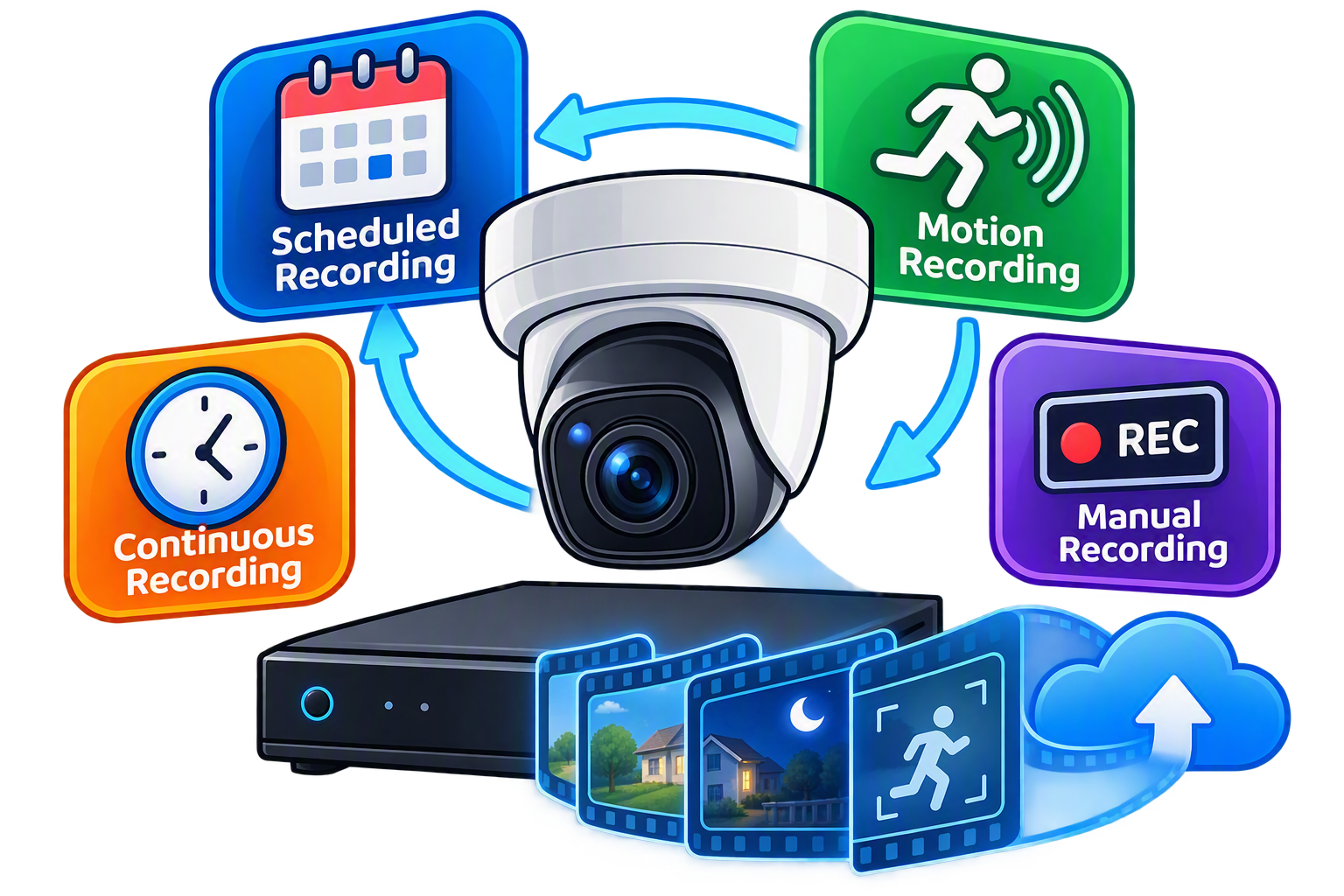
SecuritySpy will record constantly giving you a full record of anything that happened within view; however, it is more likley that you will want to set what and when.
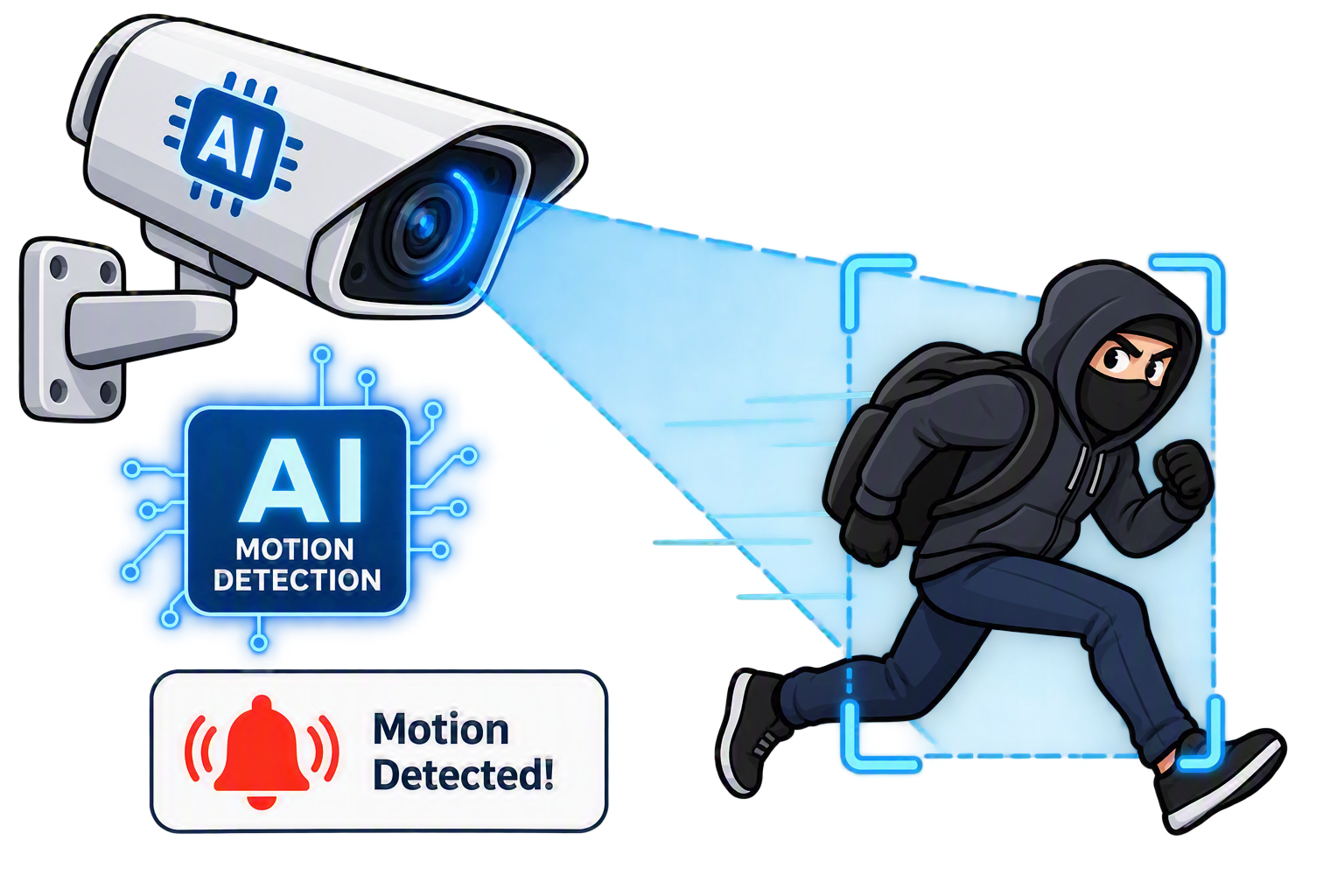
AI trained on hundreds of thousands of images
All processing is done on your Mac, which keeps your video private and latency low. It is fastest on Apple Silicon Macs, thanks to the Neural Engine built into these chips, but Intel Macs can also handle moderate numbers of cameras.
Detecting who or what
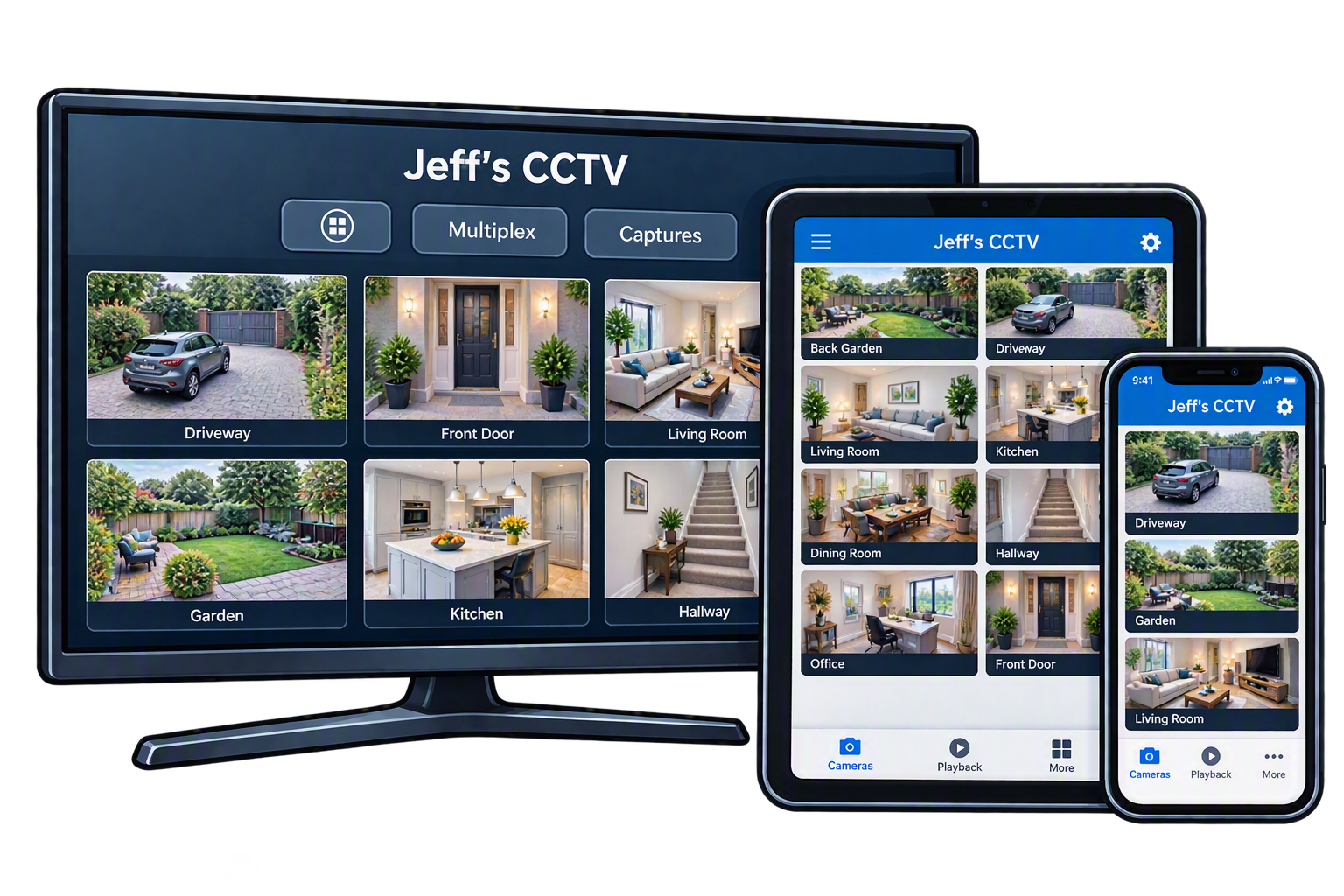
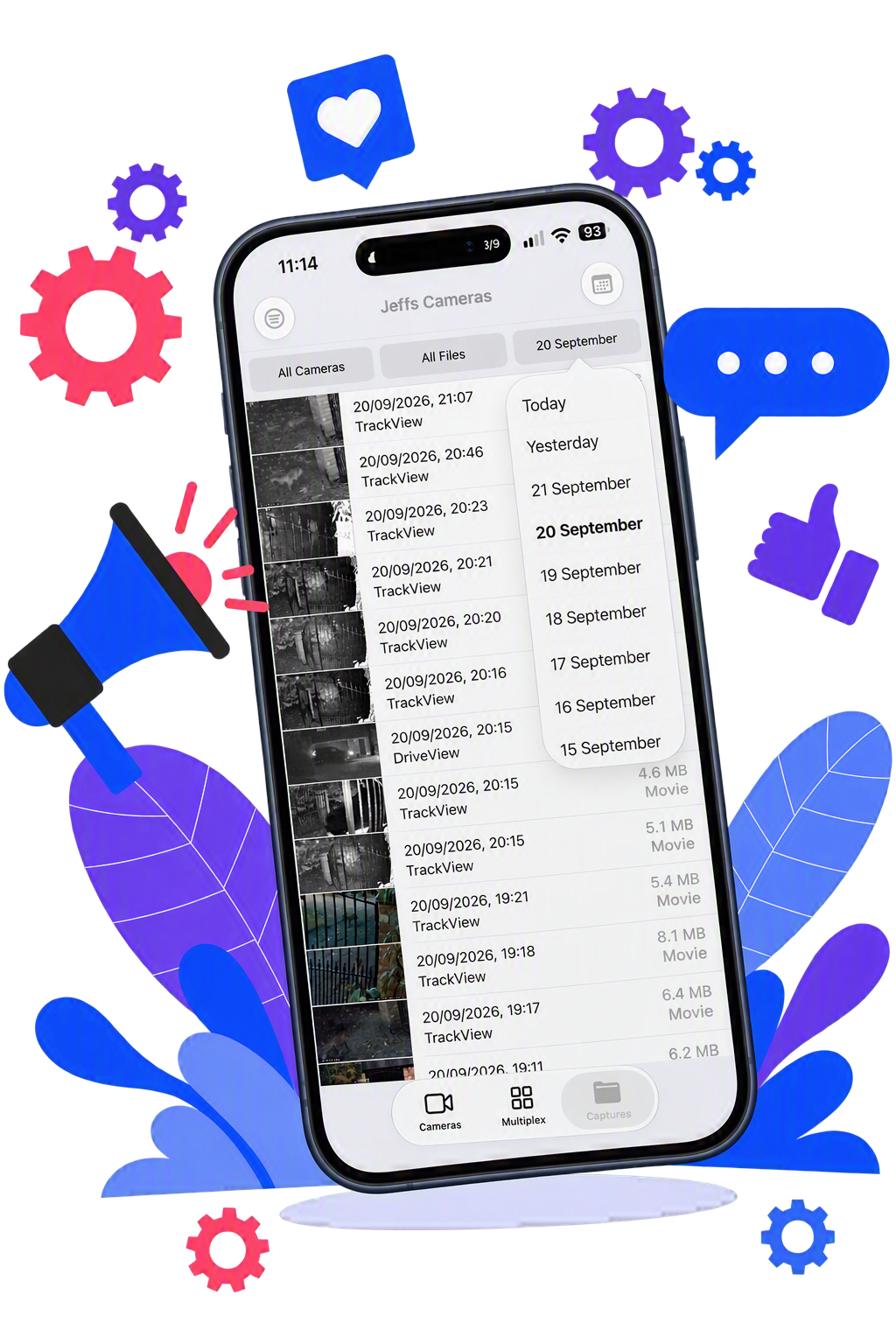
On your Mac see a time based listing for each camera; amongst the many filters choose human, vehicle or animal (and selection highlighted); on your iPhone recordings are shown as thumbnails with time and camera name and can be filtered.
Whilst you probably want your cameras live 24/7, there are other aspects that you may want to schedule.
Schedule Settings
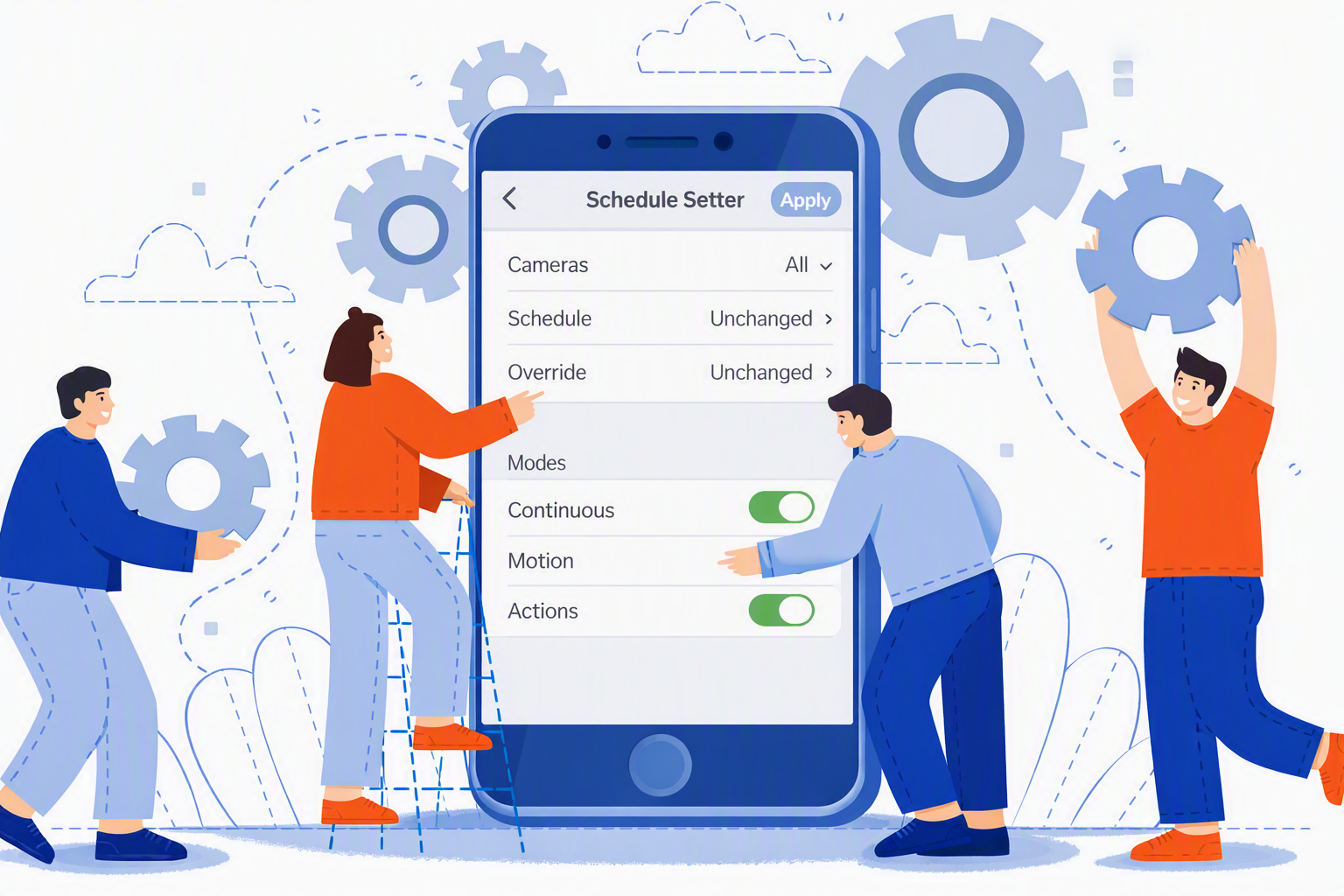
Schedules define when camera modes should be armed and disarmed throughout the week. All schedules created are available to all cameras, and can be used to arm their continuous-capture, motion-capture and action modes independently.
Schedule Presets
A schedule preset defines a set of timings (on or off) that will be applied to selected cameras when the preset is invoked. For example, Home and Away presets could define different schedules to use when a property is occupied or when it is empty.
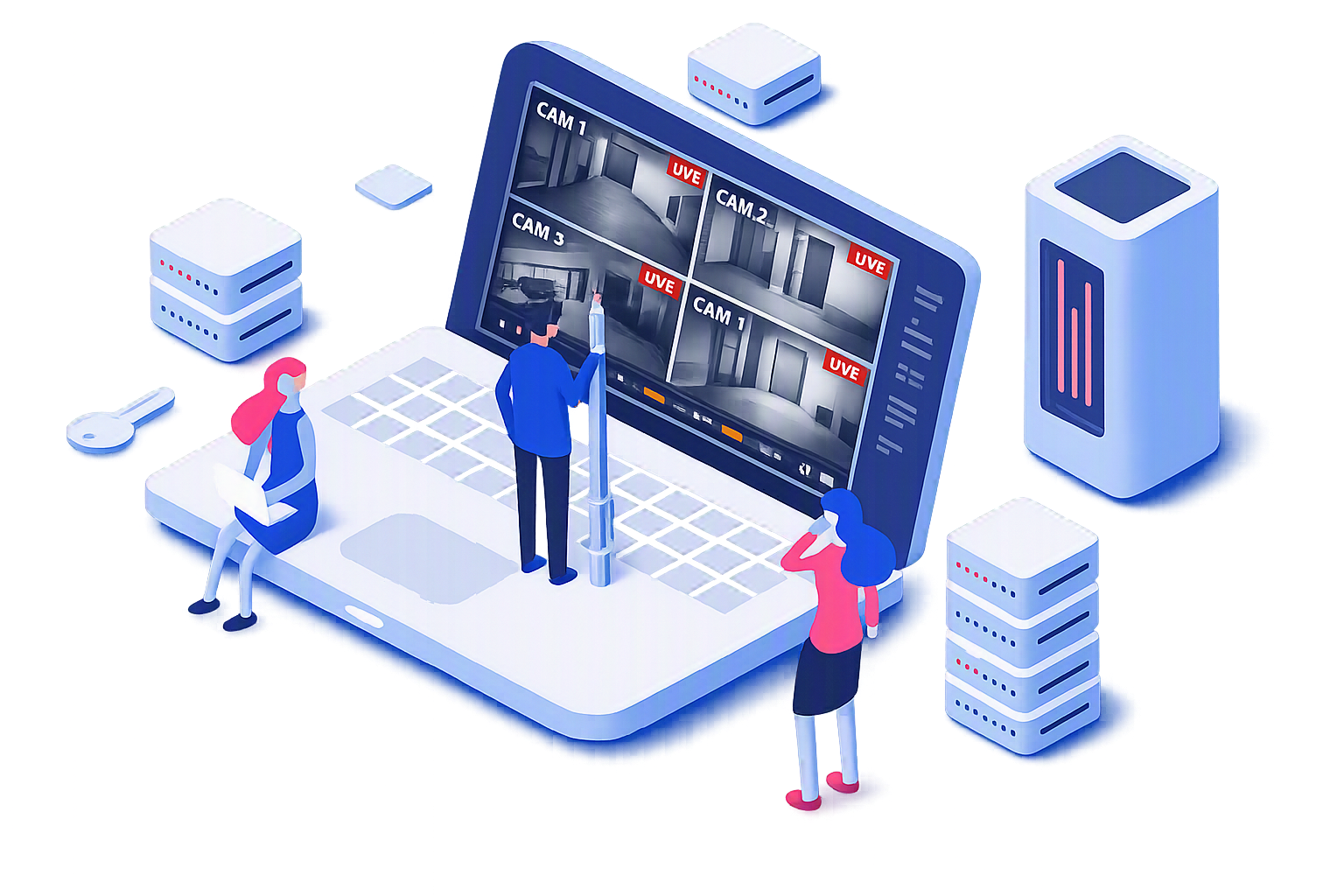
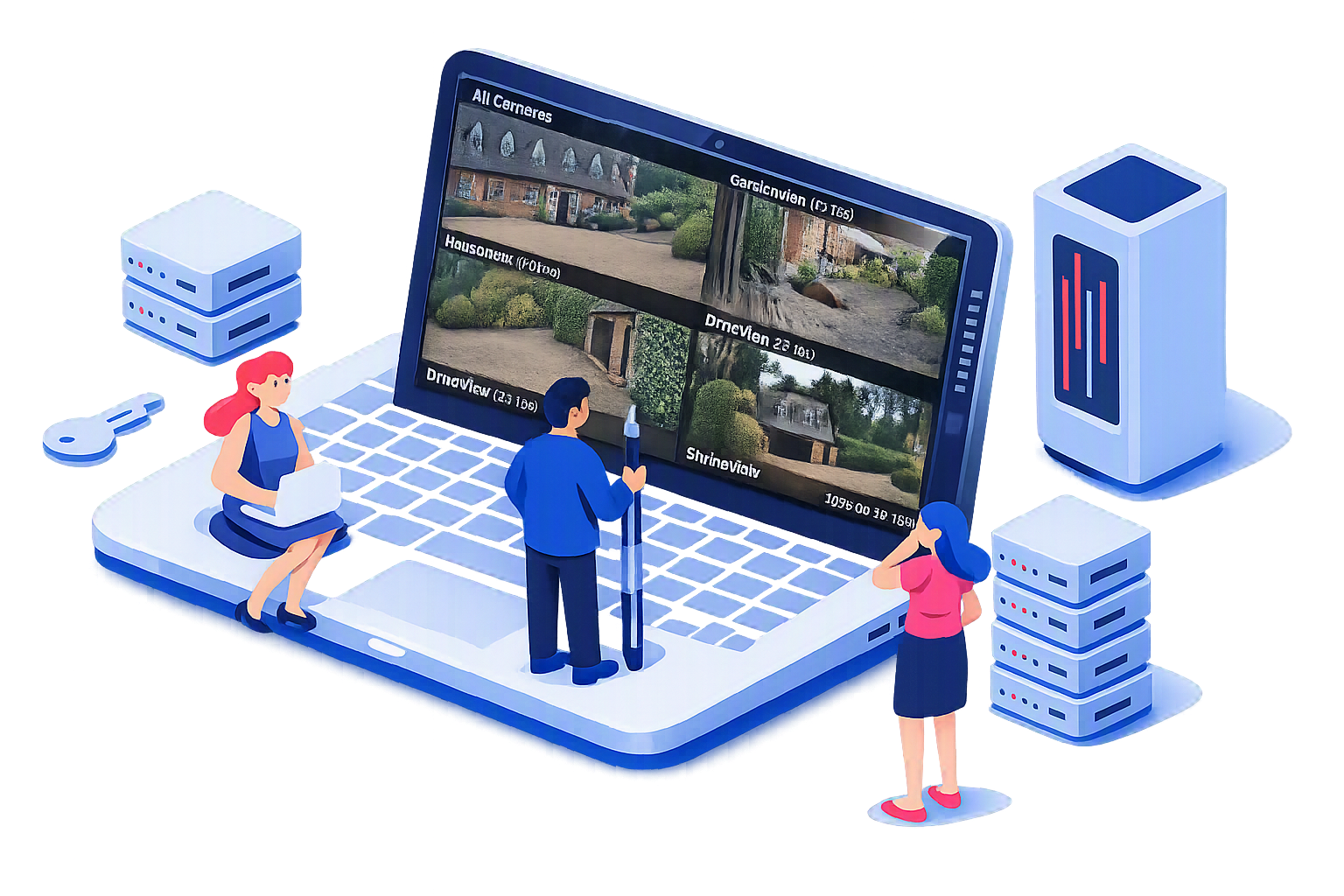
The Dashboard window displays selected performance metrics allowing monitoring of the day-to-day operation of your SecuritySpy system and the opportunity to spot any potential problems.
Performance Measures
Real-time monitoring of system performance, storage, camera activity, and network health, helping you identify issues before they impact recording quality.
Data Viewing and life
A slider controls how much smoothing is applied to the data for display: low values give you more detail - higher values make it easier to see the overall system performance.
Dashboard data is automatically purged after 30 days.